Integrations
Integrations store connection settings for services you use in workspaces and automations.
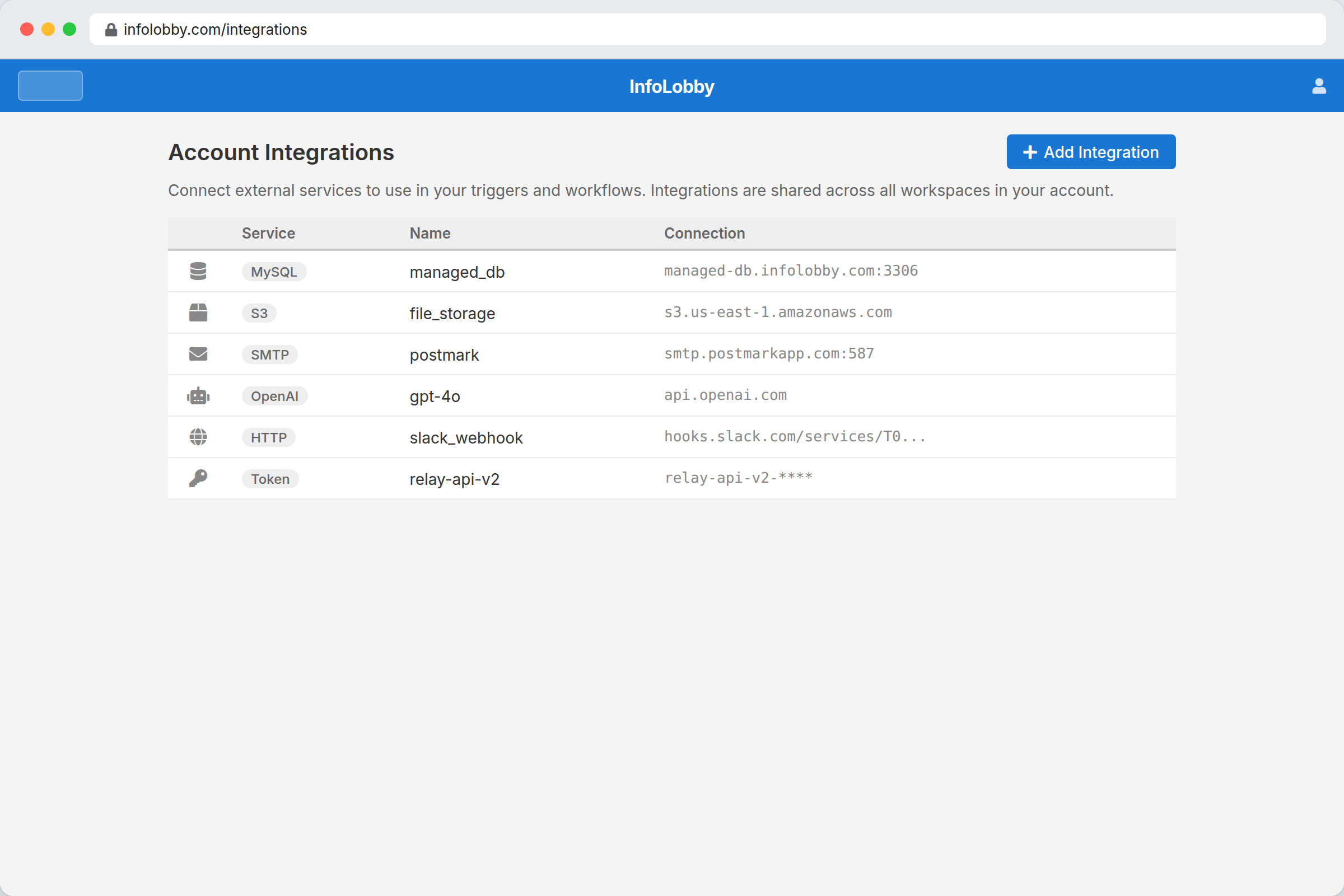
Available integrations
| Integration | Used for |
|---|---|
| MySQL | Bring your own database |
| S3 | Bring your own object storage |
| FTP | Store files on an FTP server |
| SMTP | Send email from automations |
| OpenAI | Use GPT and assistants in automations |
| HTTP Basic | Call APIs with basic auth |
| Bearer Token | Call APIs with token auth |
| OAuth2 | Call APIs with OAuth |
Connect MySQL
- Open integrations or database settings.
- Choose Add Server or Connect Database.
- Enter host, port, username, and password.
- Use Test before saving.
If the test fails, check firewall rules, remote MySQL access, host, port, and credentials.
Connection names matter. Automations refer to integrations by name.
Who can use an integration
Integrations belong to the workspace owner's account, and automations always run as the owner. When you build an automation, the connection pickers (SMTP, OpenAI, API) list the owner's integrations — so a workspace Admin can wire a flow to them even if they didn't create them.
Creating and editing integrations (credentials, from-domains) stays with the workspace owner. If you're an Admin and need a new connection, ask the owner to add it; it will then appear in your automation pickers.